

Image is AI-generated — see note below.
You Don’t Need a Smart Board to Teach Great Music Lessons … Here’s Why
Although it might look like programs like the Fun Music Company Curriculum are entirely driven from the classroom screen, that isn’t necessarily true.
If you’ve watched one of our lesson videos, or flicked through the members area, you’d be forgiven for thinking the whole curriculum lives on a smart board. Songs play out on screen. Activities are presented with slides and visuals. It looks polished, sequenced, screen-led.
So if you don’t have a smart board in your classroom — or you have one but it’s temperamental, shared, or you’d just rather not build your whole lesson around it — it’s a completely reasonable question to ask: can I actually use this?
Here’s the honest answer: yes, and it was designed that way from the start.
Every screen-based element in the curriculum — the videos, the presentations, the on-screen prompts — was built as a layer of convenience on top of the teaching, not as the teaching itself. Before any of it was filmed or slid onto a screen, it was written to work as a lesson a teacher could deliver directly, with nothing but their voice, some basic instruments, and a printed page. The screen makes it easier. It was never what made it work.
And if you’re reading this, you’re probably one of two kinds of teacher. Maybe you don’t have reliable access to a smart board in your classroom, and you need to know the curriculum will still hold up. Or maybe you do have one, but something in you resists leaning on it — you’d rather the lesson come from you, not a screen. Both are completely valid starting points, and what follows applies either way.
So here’s exactly how it works without one.
Instructional Videos Are Not There to Replace You
The primary reason every instructional video in the curriculum exists is to show you an example of how the lesson could be taught. That’s it. It’s a reference, not a requirement.
The video is there for your preparation, not the classroom. Watch it ahead of time — during a prep period, the night before, whenever suits you — and use it to understand the shape of the activity: how it’s introduced, how it builds, what it’s aiming for. Then teach it yourself, in your own words, in your own way, shaped by your own classroom and your own students. You know your kids. You know what lands with them and what doesn’t. The video was never meant to override that judgement — it’s a starting point, not a script you’re expected to project.
In fact, most of the time, it should be skipped entirely in the lesson itself. You’ve done the preparation. You don’t need the video playing in the room for the lesson to be legitimate — you teaching it is the lesson.
That said, there’s one situation where playing the video to the class works well: when you’re short on preparation time. On those weeks, it’s completely fine to say to your class, “Let’s see what Janice has to say about this one today” — and let the video carry the lesson for that session. That’s not a compromise or a lesser version of teaching it. It’s just a different, equally valid way to deliver the same content, for the weeks you need it.
And if you don’t have a smart board at all, that’s not a barrier here either — a laptop is enough. Sit the kids on the floor in front of it, play the video, done. It doesn’t need to be projected or polished to work; the students just need to see it, and a laptop screen does that job fine.
Either way — teaching it yourself from your own preparation, or playing it on a laptop on a busy week — the important thing hasn’t changed: the video was never what made you a real music teacher. You were, before you ever pressed play.
Play-Along Tracks Don’t Need a Screen at All
Here’s the good news on this one: play-along tracks were never a screen problem in the first place. They’re audio. A smart board was only ever the delivery method — never the requirement.
The best approach is to teach the pattern aurally first, before the track ever plays. Clap it, sing it, call-and-response it with the class until the rhythm or melody is in their bodies, not just something they’re watching go by on a screen. This is actually stronger teaching than screen-led play-along ever was — students who’ve internalised a pattern before playing along stay locked in, rather than just following along passively with what’s in front of them.
Once they’ve got it, play the track. That’s it. A laptop or phone plugged into a speaker on the side of the room does exactly the same job as a smart board would — the students don’t need to see anything, they need to hear it and play. If anything, removing the screen here works in your favour: nothing competing for their attention, no glare, no fiddling with a projector cable five minutes before the bell. Just the music and the room.
In practice:
- Teach the pattern first, screen or no screen. This step matters regardless of your setup — it’s what makes the play-along land.
- Play the audio from whatever’s on hand. Laptop, phone, Bluetooth speaker — the track doesn’t care what it’s coming out of.
- Skip the visual entirely if there’s nothing to show. Play-along tracks were built to be heard, not watched. You’re not missing a feature by leaving the screen off.
If instructional videos were the section where the smart board felt necessary but wasn’t, this one’s simpler still: for play-along tracks, a smart board was never really part of the equation at all.
Full PDFs Mean You’re Never Actually Winging It
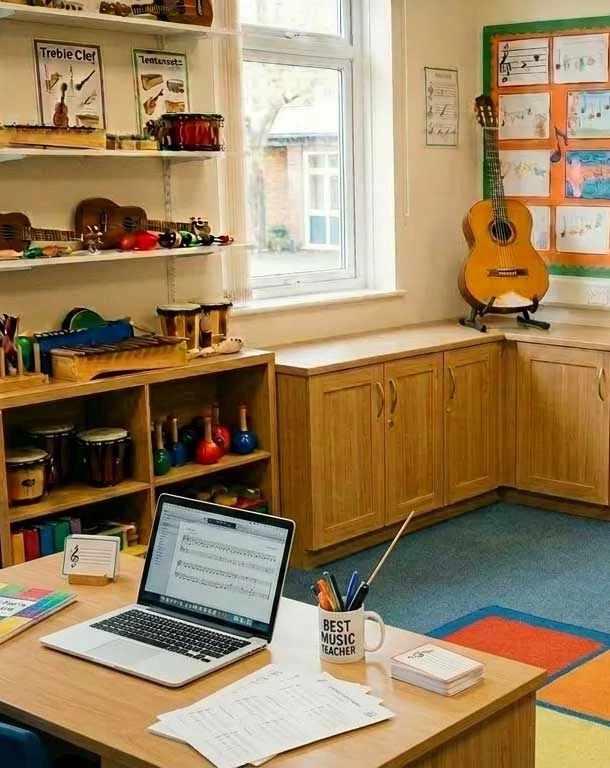
This is the piece that quietly does the most work in this whole article: every single activity in the curriculum has a full written PDF behind it. Not a summary. Not a bullet-point cheat sheet. The complete step-by-step — what to teach, how to sequence it, what to watch for — laid out on the page.
That matters here because the real fear underneath “I don’t have a smart board” is rarely just about the screen. It’s the worry that without it, you’ll be standing in front of a class improvising, hoping you remember the activity correctly, hoping it holds together. The PDF removes that worry entirely. It’s your lesson plan and your safety net — sitting on a clipboard or a desk, not projected anywhere — while you’re still the one deciding how it comes to life in the room.
In practice, this means:
- Print it or pull it up on your own device. Either way, it’s there for you to glance at mid-lesson if you lose your place — no different to a teacher referring to any lesson plan.
- You’re following the same structure the video shows, just on paper. Nothing is missing by working from the PDF instead of the screen. It’s the same content, same sequencing, same detail — just in a format built for the teacher, not the classroom.
- It works for every activity, not just some. Whether it’s a warm-up, a play-along, a composition task or a listening activity, the full step-by-step exists for all of it. There’s no part of the curriculum that only “works” if it’s on a screen.
So if a smart board being unavailable has ever felt like it might expose gaps in your preparation — it won’t. The preparation was already done for you, in writing, well before you walked into the room.
The Smart Board Was Never the Thing Making It Work
So let’s come back to where we started. It might look, from the outside, like this curriculum needs a screen to function — the videos, the on-screen prompts, the polish of it all. But look closer at any of it, and the same thing is true every time: the video is a reference you can skip or use as needed, the play-along track is audio that never needed a screen in the first place, and the full instructions mean you’re never actually guessing your way through a lesson.
None of that changes whether you’ve got a smart board, a laptop, or nothing but a printed page and your own voice.
If you’ve been holding back from starting — or holding back from feeling fully confident with what you’re already doing — because your classroom doesn’t have the tech you assumed you’d need, consider this your permission to stop waiting. You were never missing the thing that makes a lesson work. You are the thing that makes a lesson work. The screen was only ever going to be a convenience, if you had one at all.
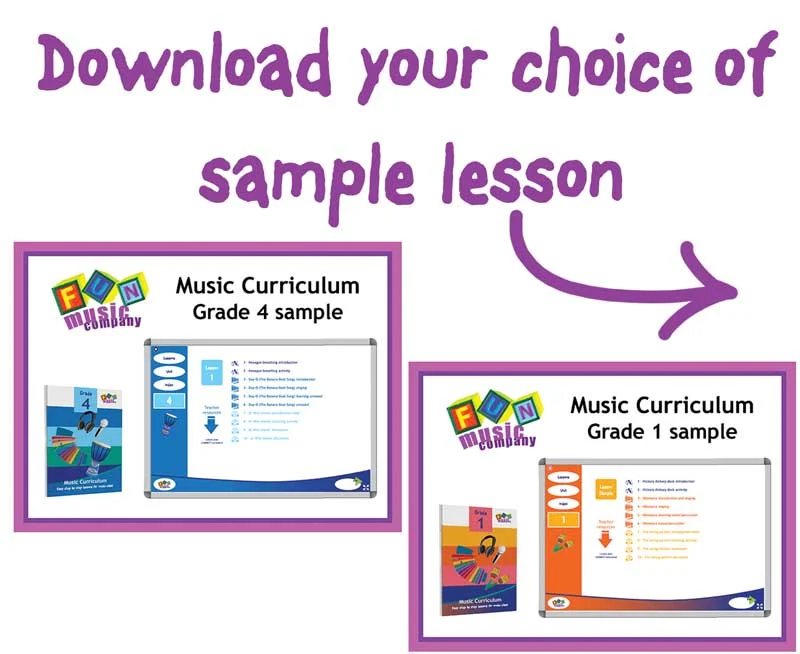
See it for yourself. Grab a free sample lesson pack for your grade and try one activity exactly as described in this article — no screen, just you, the PDF, and your class.
“Having access to your music program has made the teaching and planning of my music classes SO much easier!”
This was what Liz, a music teacher from a small Catholic school in Sydney wrote to us in an email recently. This is typical of the hundreds of responses we get every week from teachers across Australia using the Fun Music Company Curriculum Program.
Imagine having an entire year of music lessons already planned, prepared, and ready to teach — no more Sunday night scrambles or piecing together resources from different places. That’s exactly what teachers at over 350 schools across Australia are experiencing right now.
Our curriculum program gives you complete, sequential lesson plans for every week of the school year, with videos, worksheets, interactive resources, and everything you need to walk confidently into your music room — whether you’re a specialist or a classroom teacher who’s been asked to teach music.
Ready to see what a week of music lessons looks like in your grade level?
Download a free sample pack below and take it for a test drive in your classroom.
 We value your privacy and would never spam you. We may email you valuable ideas for music teaching once or twice a week, however you can unsubscribe at any time. Check details of our privacy policy here.






Leave A Comment